If you've used the Segmented Project Planner for very long, you have probably built up
a collection of complex segment designs that you've used/promised to use in your projects. Now, get ready to take these complex designs to the
next plateau, Slicing!
New to segmented turning and don't have a collection of complex segment designs? Three very simple source objects are Diamonds, ZigZags and
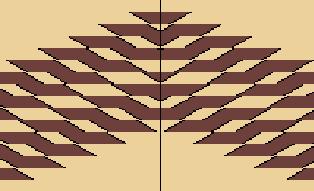
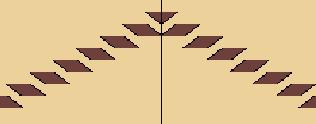
Stacked Sawings and you may already have designers for the first two in your copy of SPP. The first and last picture above are ZigZag examples, the black
and white one is a stacked sawing that depicts the moon, and the fourth one comes from a diamond design. But, any glue-up containing horizontal movement (diagonal lines) can be a
good slicing candidate.
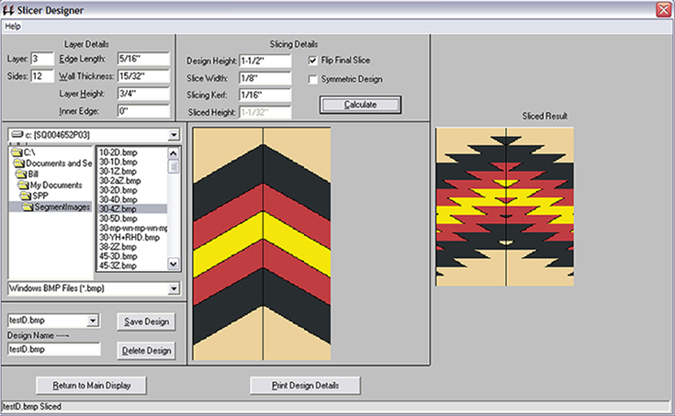
The Slicer designer is an advanced tool that helps you slice up existing objects, flip the slices, and re-assemble them into the most
amazing patterns such as the six examples shown on this page. The primary result of your design session is a report you can
take to the workshop and start construction. You also get a picture of the design you can use to "paint" segments within an SPP project. The designer
has a complete help file system that includes detailed instructions on how to make your own sliced pattern.
The design parameters for the active row of your project are displayed in the upper-left corner for easy reference while you
tune your design to fit the segment sizing of that ring. |
|